CLEARSTEADEXTERIOR CARE Request a quote

Request an exterior-cleaning quote in three steps

Choose the work, describe the property and highlight anything that may affect access, water or nearby areas. Review the details before taking the next step.

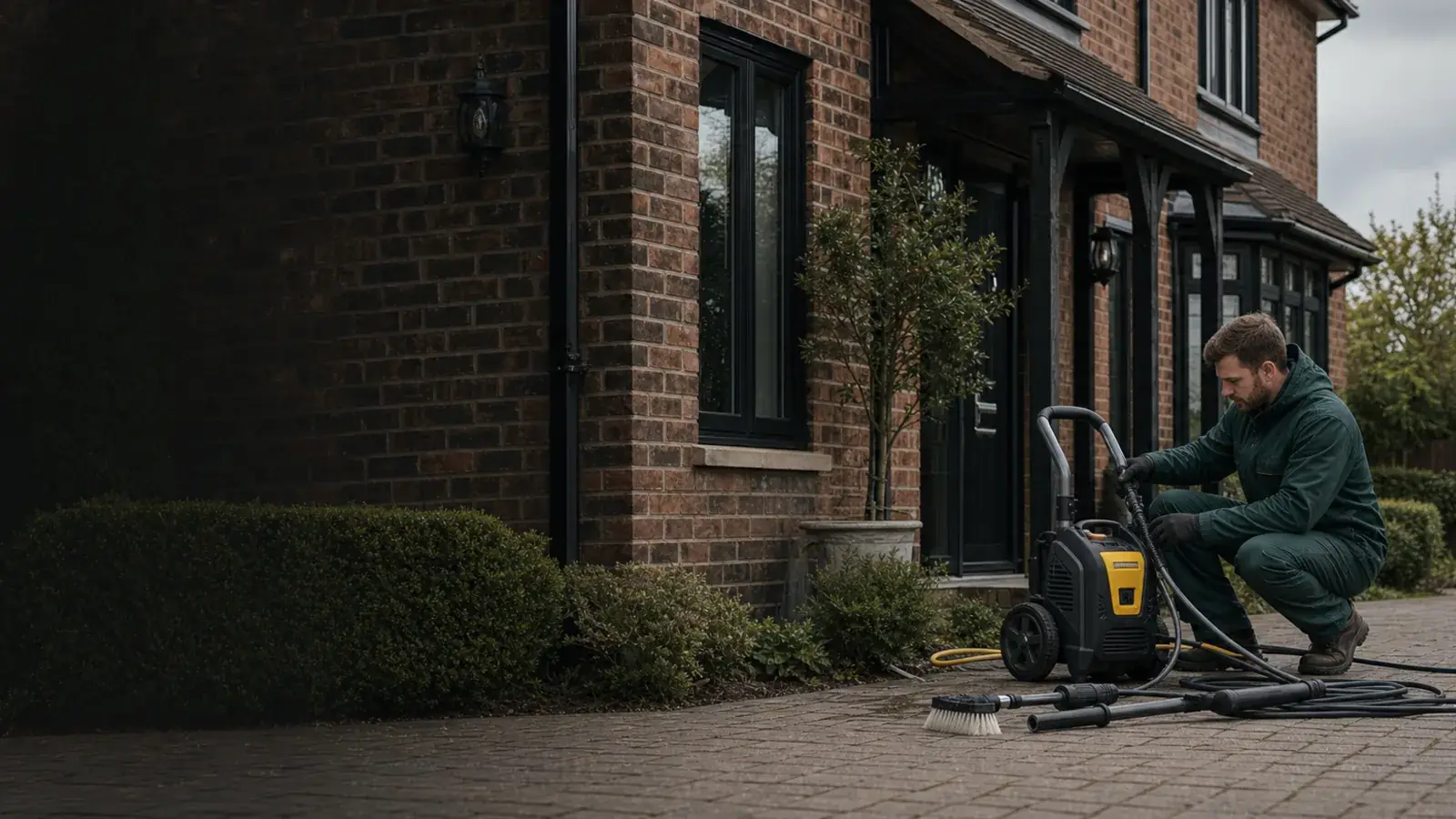
Exterior-cleaning equipment being prepared beside a well-kept UK home.

Request a quote

Tell us about the property in three steps

Choose the work, describe the surface and highlight access or drainage constraints. Preview mode creates a summary but does not yet send it.
  1. 01Service
  2. 02Property
  3. 03Constraints
Choose the closest service

Choose the main task first. Other areas can be added when the full scope is reviewed.

Step 1 of 3

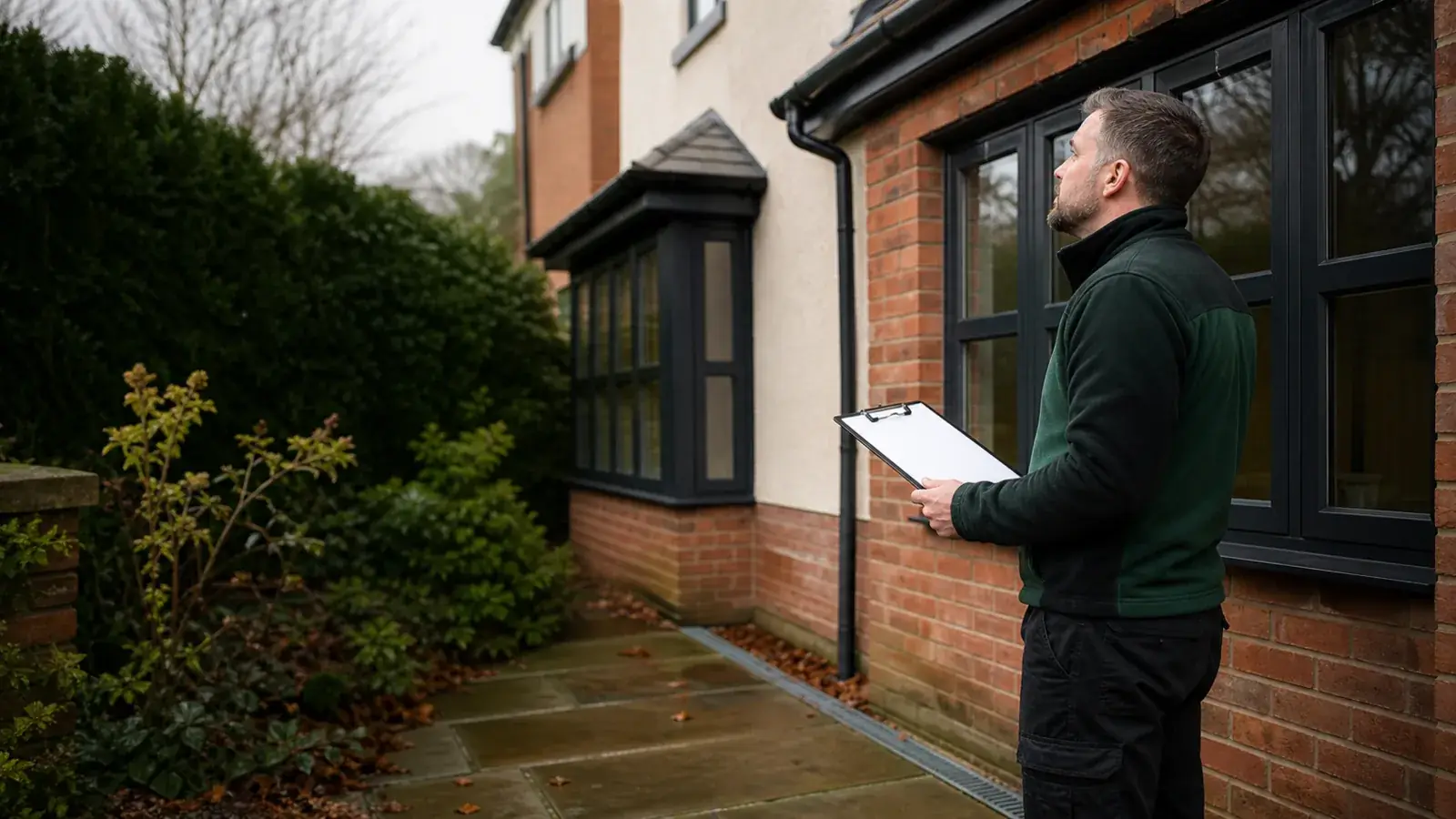
A property exterior being reviewed during a cleaning walkaround.
Browser-only

Before you start

Start with the property and the areas you want cleaned

The quote tool asks about service, surface, access and drainage. In preview mode it avoids names and exact addresses and creates a summary on your device rather than sending the request.

  • No personal-data fields.
  • No remote form action or database.
  • No slot reservation or price calculation.

Before booking

Review what is included, what may change and how the price works

The final quote should confirm the work areas, preparation, access assumptions, runoff controls, optional items, price basis and timing. Share sensitive access details only through an approved private channel.

  • Confirm quote assumptions and exclusions.
  • Keep optional treatments and repairs separate.
  • Share sensitive access details through an approved private channel only.
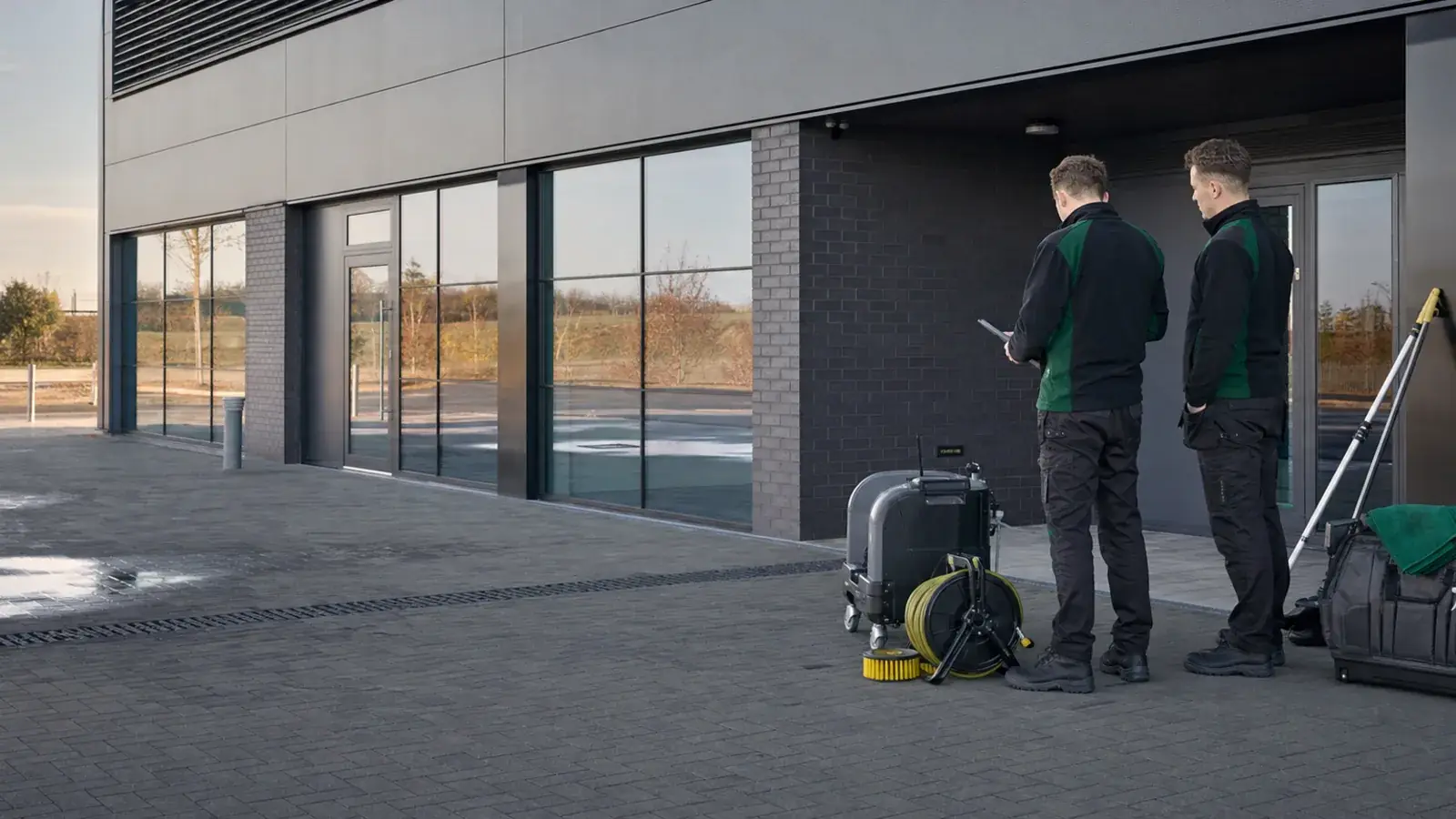
An organised exterior-cleaning setup outside a small commercial premises.
Next decision

Questions

Useful answers before the next step

Where does my information go in preview mode?

Nowhere. The quote tool runs in your browser and does not submit or store the choices.

Can the summary be copied or printed?

Yes. Use the copy or print control after completing the three steps. Review it and remove anything you do not want to share.

Does the summary count as a submitted quote request?

No. In preview mode it is a preparation summary only and is not sent to Clearstead.

Can I enter my address?

The builder does not ask for it. Keep names, exact addresses, codes and other personal or security information out of the summary.

Can I reserve a date?

Not in preview mode. A date is only reserved after availability and the proposed work are confirmed.

Next step

Ready to review your quote request?

Start quote request